buying-guide

How to Choose a Business Printer in India: 2026 Buying Guide

The best business printer for your office in India depends on what you print, how frequently you print and which functions your team uses. Whether you run a small business, retail outlet, professional practice or corporate office, consider your documents, colour requirements, scanning and copying needs, connectivity, available space and long-term printing costs before buying.

Brother India offers ink tank, colour laser and monochrome laser printers for different business requirements. By identifying your needs first, you can compare the right models and avoid choosing a printer based only on its purchase price.

In 60 seconds

What you need to know

Start with your requirements: what you print, whether you need colour, which functions you use, how you’ll connect, where it will sit, and what it will cost over time. This helps you compare printers on what matters, not just the purchase price.

What Should You Consider When Buying a Business Printer?

Choosing the right office printer starts with understanding your everyday business requirements.

From printing customer invoices and purchase orders to preparing proposals, reports and other business documents, your printer should support the way your team works.

Consider these five factors:

1 Printer type
2 Functions
3 Connectivity
4 Office size
5 Total cost

Understanding these requirements helps you narrow your choices before comparing individual Brother printers.


01

PRINTER TYPE

Which Printer Type Best Matches Your Business Documents?

Different business documents have different printing requirements. The right technology depends on whether you mainly print black-and-white text, colour reports or image-rich materials.

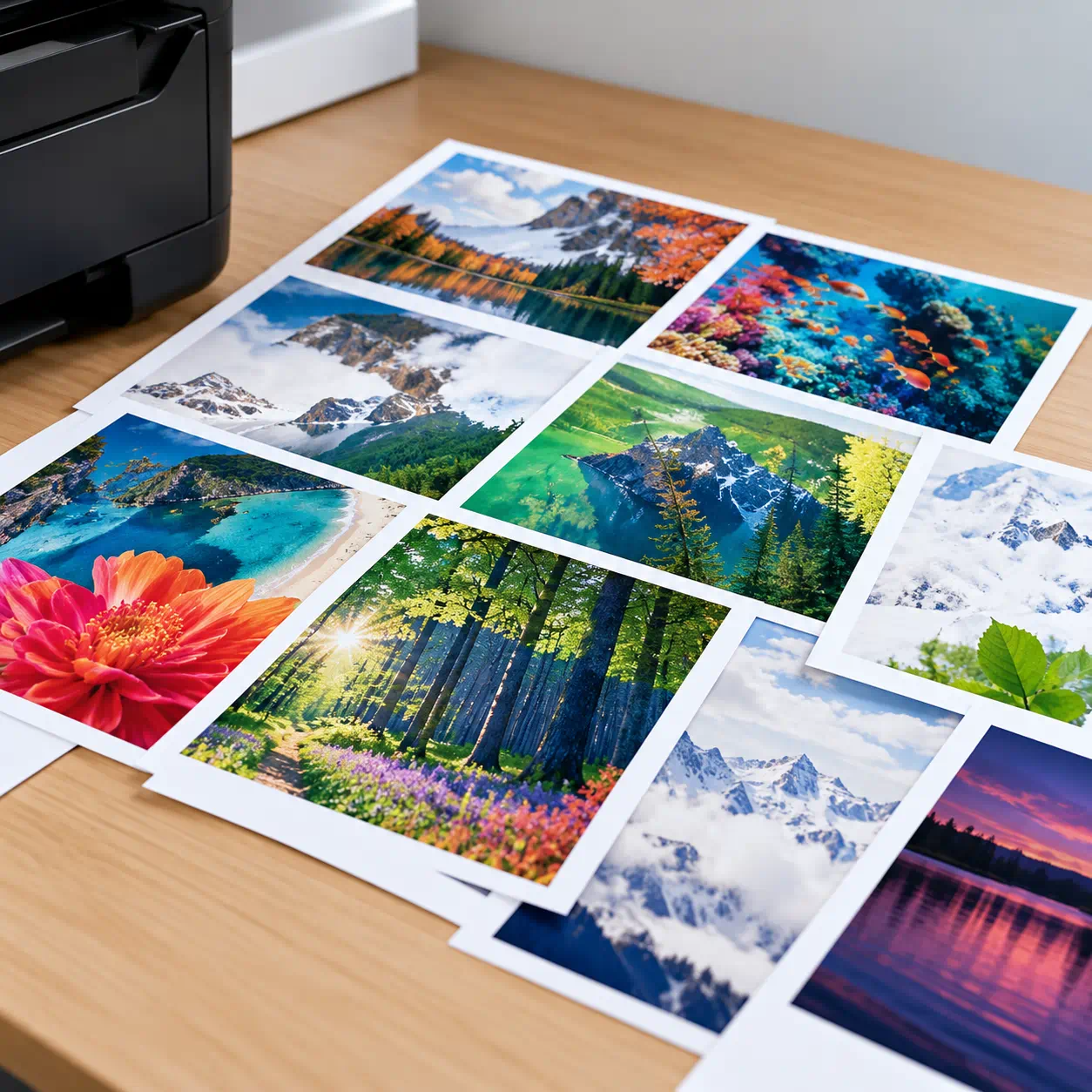
Colorful Nature Prints on a Wood Desk-1

Inkjet and Ink Tank Printers

Consider for image-rich business documents and frequent colour printing.

Inkjet printers can be suitable for businesses that regularly produce colour charts, marketing materials, presentations or other image-rich documents.

Businesses looking for refillable ink systems, Brother's ink tank range offers additional options for everyday office printing.

For example, the Brother DCP-T830DW supports colour printing, scanning and copying, with automatic two-sided printing and an automatic document feeder (ADF). It can be considered for smaller offices that regularly handle different document types.
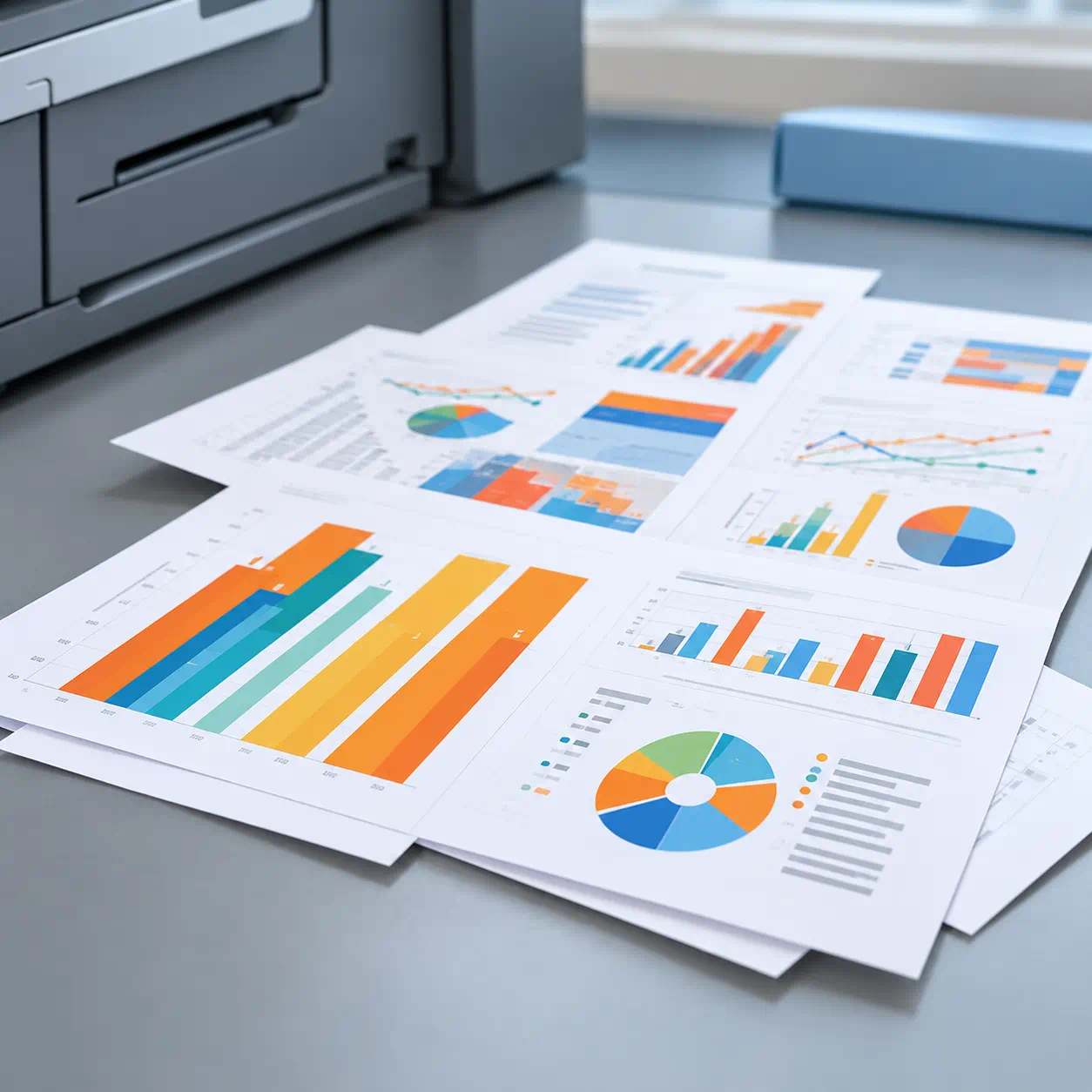
Colorful business reports on an office desk-2

Colour Laser Printers

Consider for text-heavy business documents that also require professional colour output.

Colour laser printers can be useful when employees regularly print reports, presentations, proposals and documents containing charts or graphics.

For example, the Brother HL-L3280CDW is a colour laser printer with automatic two-sided printing and network connectivity.

If your office also needs scanning and copying, the Brother DCP-L3560CDW combines these functions with colour laser printing.
Neat stack of monochrome office papers-3

Monochrome Laser Printers

Consider for text-focused workflows, such as invoices, forms and everyday office paperwork.

If your organisation mainly produces black-and-white documents, a monochrome laser printer may be a practical option.

This can suit businesses printing invoices, purchase orders, administrative records and other text-heavy documents.

The Brother HL-L2440DW offers monochrome printing with automatic duplex and wireless connectivity for smaller offices.

For workplaces requiring higher print speeds and shared connectivity, the Brother HL-L5210DW is another India-market option to compare.

2. Do You Need a Multifunction or Single-Function Printer?

The next decision is whether your workplace only needs printing or regularly handles scanning, copying and other document tasks.

Blue printer on white circular badge

Multifunction (All-in-One) Printers

Print, scan and copy, with fax available on selected models.

A multifunction printer may be suitable when employees frequently need to scan signed documents, copy paperwork or prepare digital records.

For example, the Brother DCP-T830DW supports printing, scanning and copying, while the Brother MFC-T930DW also includes fax functionality.

A multifunction device can help consolidate everyday document activities without requiring separate machines for every task.
Blue printer on white circular badge

Single-Function (Print-Only) Printers

Focused on printing without additional scanning and copying functions.

If your business already has a document scanning process or primarily prints invoices, reports and office records, a single-function printer may be sufficient.

Models such as the Brother HL-L2440DW and HL-L3280CDW are options for businesses that need printing without a built-in scanner.

Choose the functions your employees actually use rather than paying for capabilities that may be unnecessary.

3. What Connectivity Options Does Your Business Printer Need?

Connectivity determines how employees access your printer from their computers and supported mobile devices.

For Indian businesses operating from individual workstations, shared offices or multiple departments, choosing suitable connectivity can make everyday printing more convenient.

USB


Direct connection for individual users.

USB allows a printer to connect directly to a computer.

It can be useful for a small office, retail counter or individual workstation where direct printing is sufficient and network sharing is not required.

Wired connection for shared office printing.

Ethernet allows compatible printers to connect through an office network so multiple users can access the same device.

This can be useful for shared administrative areas, accounting teams and larger offices with established wired network infrastructure.

Wireless printing for compatible computers and mobile devices.

Wi-Fi connectivity gives employees greater flexibility when accessing printers without a direct USB connection.

It may be useful in offices with multiple laptops or where the printer cannot conveniently sit next to every workstation.

Additional printing and scanning workflows on supported models.

Some Brother printers support mobile printing and related connectivity features, allowing compatible smartphones and other devices to participate in office workflows.

NFC


Tap-to-connect functionality on compatible devices and supported printer models.

NFC can offer another method of connecting supported mobile devices to a compatible printer.

4. What Printer Size Is Right for Your Office?

Printer size should match your available workspace, the number of people using the device and the amount of printing your business expects.

Not every Indian business needs a large office printer. A compact desktop model may be sufficient for smaller offices, retail counters or individual workstations.

For example, the Brother DCP-T830DW offers multifunction capabilities in a desktop design, while larger office devices may provide additional paper-handling features.

If your workplace has several departments, placing suitable printers near the teams that use them may be more practical than relying entirely on one centrally located device.

Before choosing a printer:

  • Assess available space: Consider whether the device will sit on a desk, counter or dedicated printing area.
  • Allow room for access: Account for paper trays, output trays, ventilation and maintenance access.
  • Check paper requirements: Confirm whether your office needs A4, A3, Legal or other supported document sizes.
  • Consider expected usage: Match printer capacity and handling features to your regular workload and potential future needs.

A printer should fit both the physical workspace and the way employees will use it.


05 PLANNING COSTS

How to Compare the Total Cost of Ownership

The purchase price is only one part of the cost of owning a business printer.

For organisations in India, it is useful to evaluate the total amount spent on the printer, ink or toner, replacement components and relevant operating expenses over time.

1

Estimate Your Usage

Start by estimating how many pages your business prints each month and how long you expect to use the printer.

A small office printing occasional documents may have different requirements from a business regularly producing large quantities of invoices or other paperwork.

2

Factor in Ongoing Costs

Check the prices and approximate page yields of compatible ink bottles or toner cartridges.

Depending on the printer model, additional consumables such as drum units may also need to be considered.

Automatic two-sided printing can help reduce paper consumption for suitable documents.

3

Compare Over Time

Compare the ownership cost of different models over the same period and using consistent assumptions.

For India, calculate costs in Indian rupees (₹), using current local prices and the same expected print volume.

Total Cost of Ownership

Purchase price

Printer purchase price

+

Consumables

Consumables

+

Maintenance

Maintenance and other operating costs

=

Cost

Total cost of ownership

A useful additional measurement is printing cost per page.

Consumable cost per page = Consumable price (₹) ÷ Approximate page yield

For some laser printers, the calculation should also account for drum replacement costs.

Comparing costs over time helps you evaluate which printer offers appropriate long-term value for your business instead of choosing purely by the lowest initial price.

For further guidance, read Brother India's guide to measuring printing cost per page.


Frequently Asked Questions

  • What is the most important factor when choosing a business printer?
    The most important factor is how well the printer matches your business requirements. Start by identifying the documents your team prints, expected monthly usage, colour requirements and whether scanning or copying is necessary. Then compare available connectivity, workspace requirements and ongoing costs. This helps businesses in India select printers based on practical needs rather than the purchase price alone.
  • Is inkjet or laser better for office use in India?
    Both can suit office environments, depending on the work involved. Inkjet and ink tank printers are worth considering for colour documents and image-rich materials. Laser printers may suit offices regularly producing text-heavy documents, reports and business records. The better choice depends on your print volume, required output, colour needs and long-term consumable costs.
  • When should a business choose a monochrome printer?
    A monochrome printer can be suitable when most business documents are printed in black and white. Examples include invoices, purchase orders, administrative forms and internal reports. If employees rarely require colour printing, a monochrome laser printer may meet everyday requirements without additional colour-printing capabilities. Compare the expected print volume, paper handling and ongoing toner costs before selecting a model.
  • Is a multifunction printer necessary for an office?
    Not every office needs a multifunction printer. If employees regularly scan documents, make copies or require fax functionality, a multifunction device may offer greater convenience. For example, Brother India's DCP-T830DW supports printing, scanning and copying. If the workplace only needs printing, a single-function model may be sufficient. Choose according to your actual document workflow.
  • What printer connectivity should my office look for?
    Choose connectivity according to the devices and users in your workplace. USB can serve an individual computer, Ethernet can support printers shared over a wired network, and Wi-Fi can provide wireless access for compatible devices. Selected Brother printers also offer mobile printing features. Always verify the connectivity specifications of the India-market model before purchase.
  • Why is printer cost per page important?
    Printing cost per page helps businesses estimate how much they spend each time they print. Rather than comparing only the price of a printer or ink cartridge, calculate consumable costs against approximate page yields. This is particularly useful for businesses that print regularly, as small differences in per-page costs can affect total expenditure over an extended period.
  • How can a business compare the total cost of two printers?
    Estimate the same monthly or annual printing volume for both printers. Calculate their respective consumable costs per page in rupees, then apply those costs over the expected ownership period. Add the purchase price and relevant maintenance expenses for each device. This creates a more meaningful comparison than looking at the initial purchase price alone.
  • How do you make the final printer decision?
    Choose a printer that solves your specific workplace requirements. Consider the documents your business produces, the number of users, preferred printing technology, required functions, connectivity and available office space. Compare long-term operating costs before shortlisting models available through Brother India. Check current product specifications and local purchasing options to ensure the selected printer is suitable for your organisation.